
Using the new VMware vSphere Management Assistant (vMA)

Did you know that VIMA has been renamed to vMA ? Or do you have any idea what VIMA and vMA are and how they can help you manage your vSphere infrastructure from the command line?

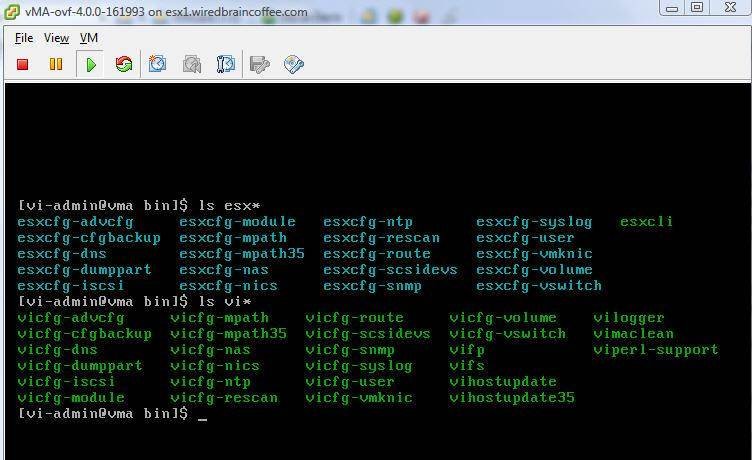
Read my new article – Using the new VMware vSphere Management Assistant (vMA) – to find out the answers to all of these questions and learn how and where to download and install vMA!
David Davis Avatar

4 responses to “Using the new VMware vSphere Management Assistant (vMA)”

  1. Mike Foley Avatar

    Just in case anyone is interested, I’ve tested the RSA SecurID PAM authentication module with vMA and it works. Look for official support from RSA soon!

    mike
    RSA, the Security Division of EMC

  2. tux@free-esxi Avatar
    tux@free-esxi

    is there a 32bit version of vMA, because I can’t use it as it is 64bit and doesn’t run on my 32bit esxi server. Thanks

  3. jim Avatar
    jim

    I have looked “google” for a 32bit version with no luck, has any one seen vMa in 32bit

  4. Rich Larkum Avatar
    Rich Larkum

    Hi David,
    Thanks for the article. I viewed it using Chrome browser and noted that all the screen-shots are out of order.

Leave a Reply

Your email address will not be published. Required fields are marked *