
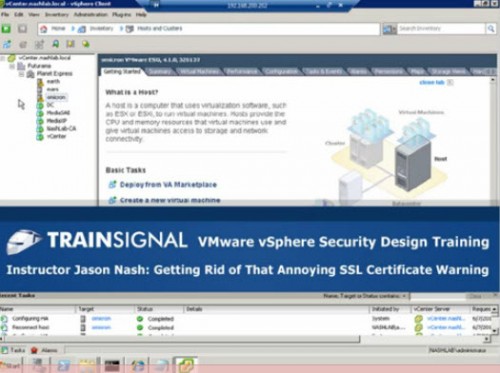
In this lesson, Jason Nash, VCDX (aka @nash_j on Twitter) covered how to get rid of that annoying SSL certificate warning when you connect to an ESXi server or a vCenter server from the vSphere Client. This video is part of the soon to be released (July 2011) Train Signal vSphere Security video training course.
VIDEO: vSphere Security- Get Rid of Annoying SSL Certificate Warning vSphere Client

One response to “VIDEO: vSphere Security- Get Rid of Annoying SSL Certificate Warning vSphere Client”
-
I love your videos. This one especially and the eye you keep on HyperV 3 features. I will show these to my students, we study VMware VSphere and CCNA.
I am very curious about doing this in other Windows server situations.
I was wondering if what you demonstrate will work with other certificate failure messages such as an exchange email server, have you tried this on other situations?
I am curious because my works email always asks for a certificate and could pass the openSSL idea to them also. I have only made SSL certificates on cisco routers and switches for ssh (CCNA security training), and a firewall I manage via Webmin, Webmin made the process simple also for that box (Smoothwall version of Linux).
Keep up the great videos, people are watching.

Leave a Reply